Put your name on the app your clients use.
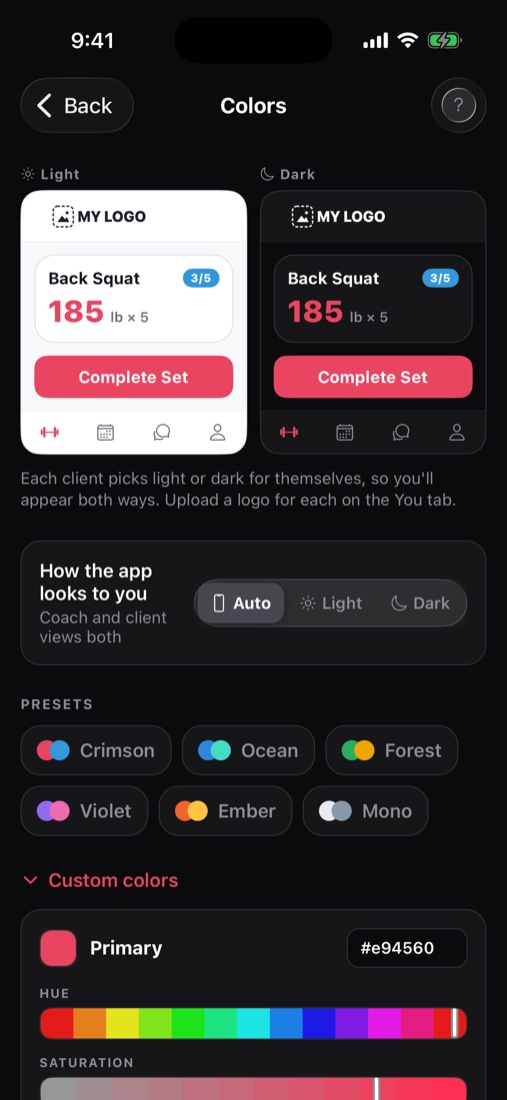
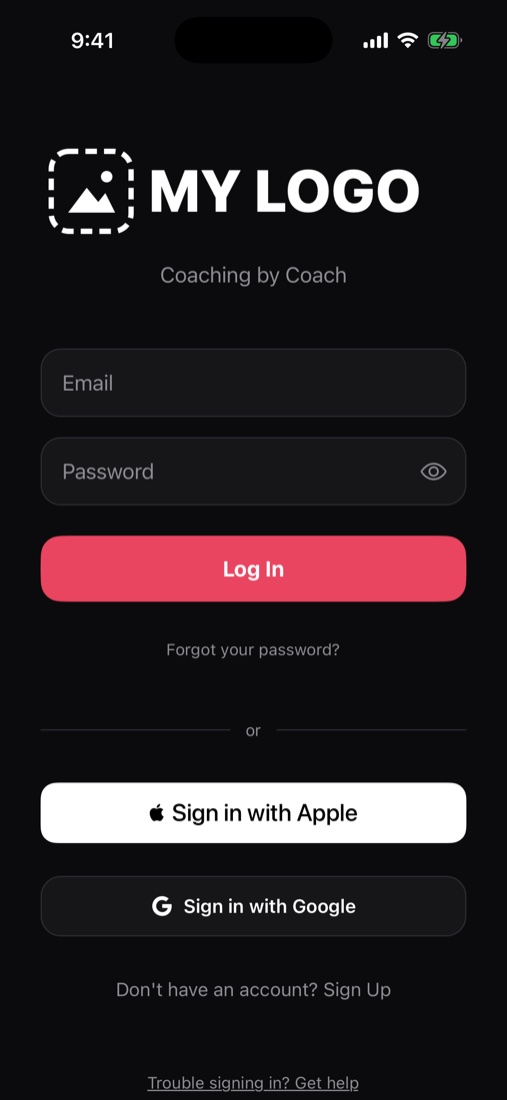
Your logo and colors show in your clients' app, starting from the sign-in screen. They work in light mode and dark mode, and on the Apple Watch.
Your brand
How it works.
Add your logo
Upload one logo for light screens and one for dark screens.
Pick your colors
Load It fixes any color that would be hard to read.
Preview it
See the app exactly the way your clients will.
Your brand
What else it does.
- Your invite email is branded, and you can preview it before sending.
- Your sales pages carry your branding too.
- Clients can pick light or dark mode, and your brand shows in both.
- Your programs can have a cover photo that shows on the client's Today screen.
Run your business
Related features.
BookingSet your hours and session types, book clients, and sync with your calendar.TracksSet up onboarding once, and every new client goes through it.Packages and sales pagesBuild what you sell, share a link, and keep everything you earn.Bring your clients overUpload your client list from any app or spreadsheet. Nobody is emailed until you say so.Coach as a teamBring your coaches under one business, each with their own clients, on one bill.
Try it with a program you've already written.
Paste in a real one and see how fast it's ready to send.
Free during beta · No credit card