Clients can set up the app the way they like it.
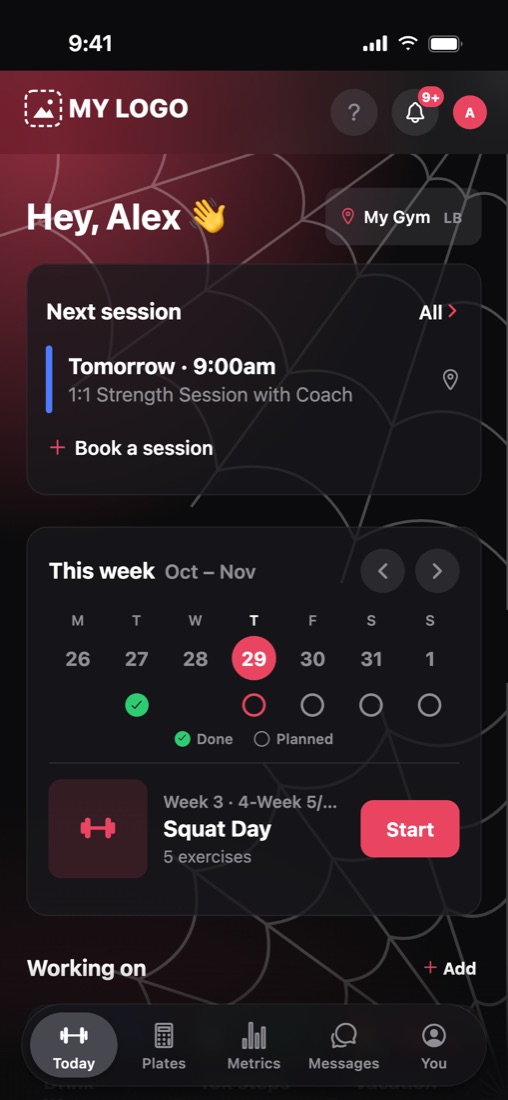
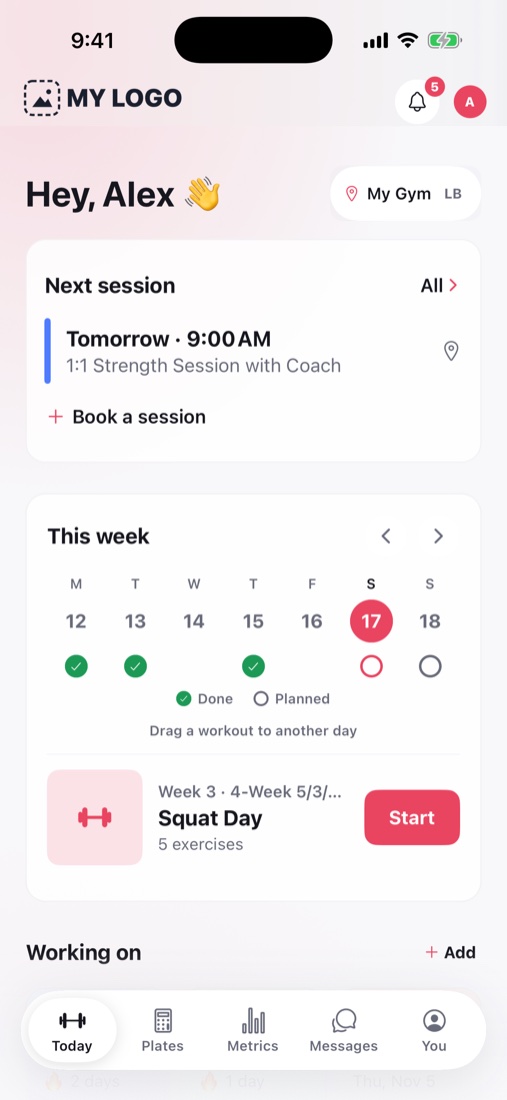
Clients can move what they look at most to the top of their Today screen and choose light or dark mode. They can also turn on seasonal looks, like spiderwebs in October and snow in December. Your brand colors stay the same either way.
Today, their way
How it works.
Arrange Today
They move sections up or down, or turn them off. The layout carries over to a new phone.
Pick light or dark
Your logo and colors show in both.
Turn on a season
Halloween, Fall, Winter and New Year looks come with matching confetti when they finish a workout.
Today, their way
What else it does.
- Seasonal looks stay off until a client turns them on, and you can turn them off for your clients.
- Only the edges of the Today screen change. Workouts and numbers look the same.
- Macro targets you set always stay on the Today screen.
- Clients choose which notifications make their phone buzz.
Clients train
Related features.
Plate math, doneOnly in Load ItLoad It shows exactly which plates go on or come off between sets.Apple WatchClients log every set from their wrist, with the bar drawn and rest counting down.Form checksClients film a set, and you slow it down, draw on it and send it back.Exercise swapsIf the rack is taken, clients can swap the exercise without changing your program.Records and progressSee estimated maxes, records, strength scores and training load, written in plain words.Milestones and Steel MovedEvery workout ends with a summary worth sharing, and trophies for real strength firsts.Works with no signalClients can keep logging in a basement gym, and their sets upload later.Apple Health and Health ConnectClients can share their bodyweight, HRV, resting heart rate, sleep and steps with you.Plates in their colorsClients can paint each plate, or pick a theme for their whole gym.Android and the webClients on Android can train in their browser today, and the Android app is on the way.
Try it with a program you've already written.
Paste in a real one and see how fast it's ready to send.
Free during beta · No credit card